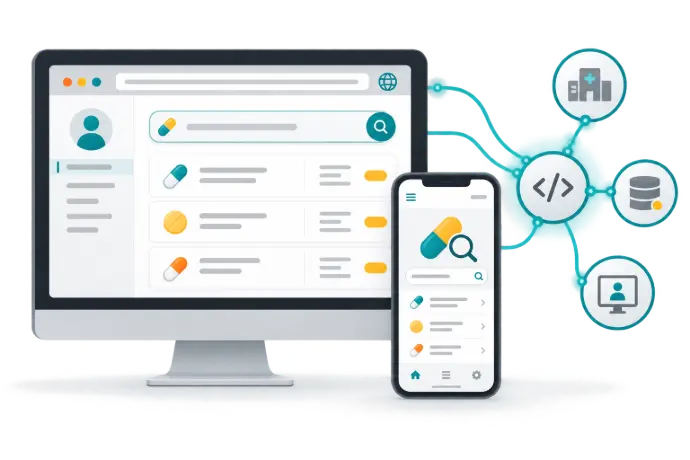
Online Access
Access all RxPedia modules through a web browser without installing desktop software. Work directly in the online platform when you need medication information and clinical screening in a browser-based workspace.
Enterprise deployments support single sign-on across your organization. Coordinate the connection with your organization's identity and IT teams so that authentication and access arrangements reflect your deployment.
Online access is suited to individual professional use and organizational workflows where a browser is available. Confirm your subscription entitlements, supported browser versions, and enterprise configuration when arranging access.
Mobile App
RxPedia's iOS and Android applications are designed for one-handed use at the bedside. Mobile drug search brings medication information into a portable workflow for healthcare professionals moving between clinical settings.
Offline capability supports access to downloaded content when a network connection is unavailable. Before relying on offline use, confirm which content and tools are available offline in your application version, and how updates are obtained. Offline content should not be assumed to include information released after its last update.
Use official download links provided by RxPedia and confirm device compatibility, country availability, and the relationship between your mobile and online subscription. Search supports professional information retrieval; it does not guarantee coverage of every clinical scenario.
Web-Service APIs
Integrate RxPedia screening tools and drug data into your EMR, ePrescribing, or computerized provider order entry (CPOE) system through REST APIs. This supports access to medication intelligence within an existing clinical workflow rather than requiring every user to open a separate application.
HL7-compatible infobuttons provide a context-sensitive route from a clinical system to relevant knowledge. Infobutton access and automated screening serve different purposes: a knowledge link opens contextual information, while a screening integration exchanges the inputs and outputs needed for the selected clinical task.
Define the content, medication identifiers, patient inputs, authentication, response handling, and reference-display requirements with the integration team. REST access and HL7-compatible infobuttons do not, by themselves, establish compatibility with every EHR or with other HL7 interfaces.